Field notes
How arXivDesk works
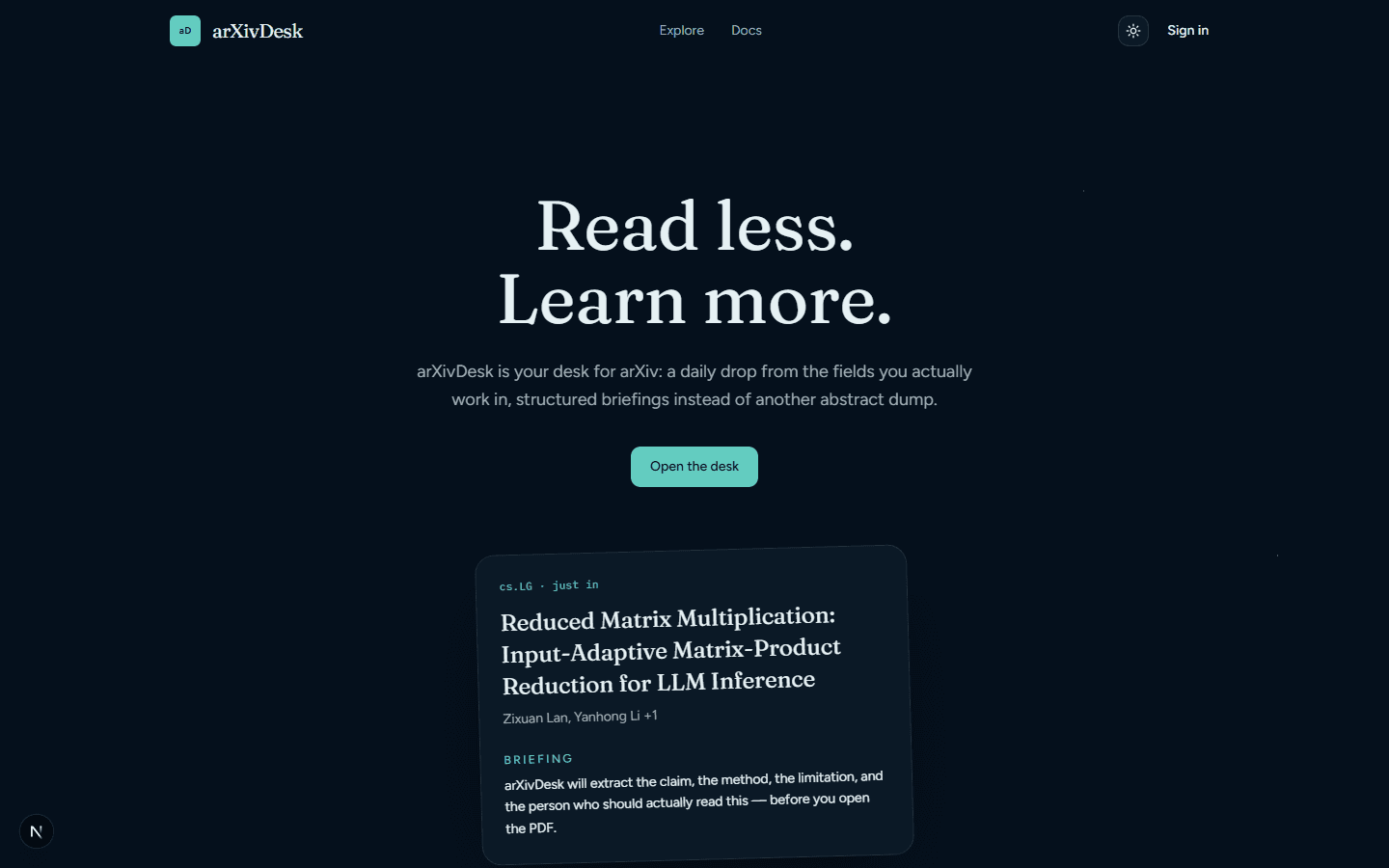
arXiv publishes a flood. arXivDesk is the desk: a daily drop from the fields you follow, a search that does not require an account, and a briefing that tells you whether the PDF is worth the hour.
01The reading room
The front door is public. Sign in when you want a personalized Today drop, a library, and live analysis. Until then you can still walk the stacks.
02Browse the stack
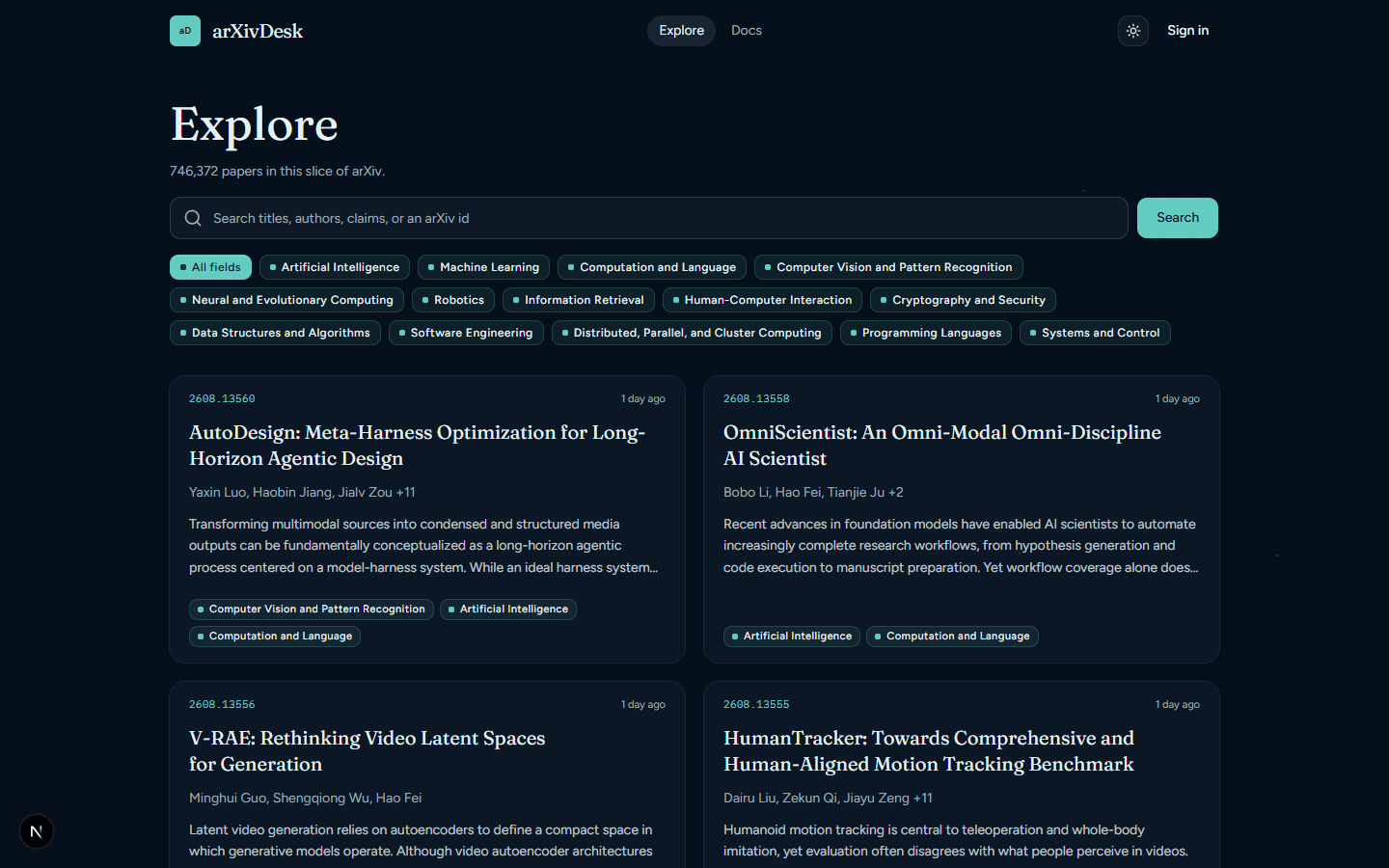
Explore is open without an account. It searches arXiv directly: newest work across featured fields, or the categories you follow once you are signed in. Nothing here calls a language model, so browsing cannot spend anyone’s credits.
03Search by claim
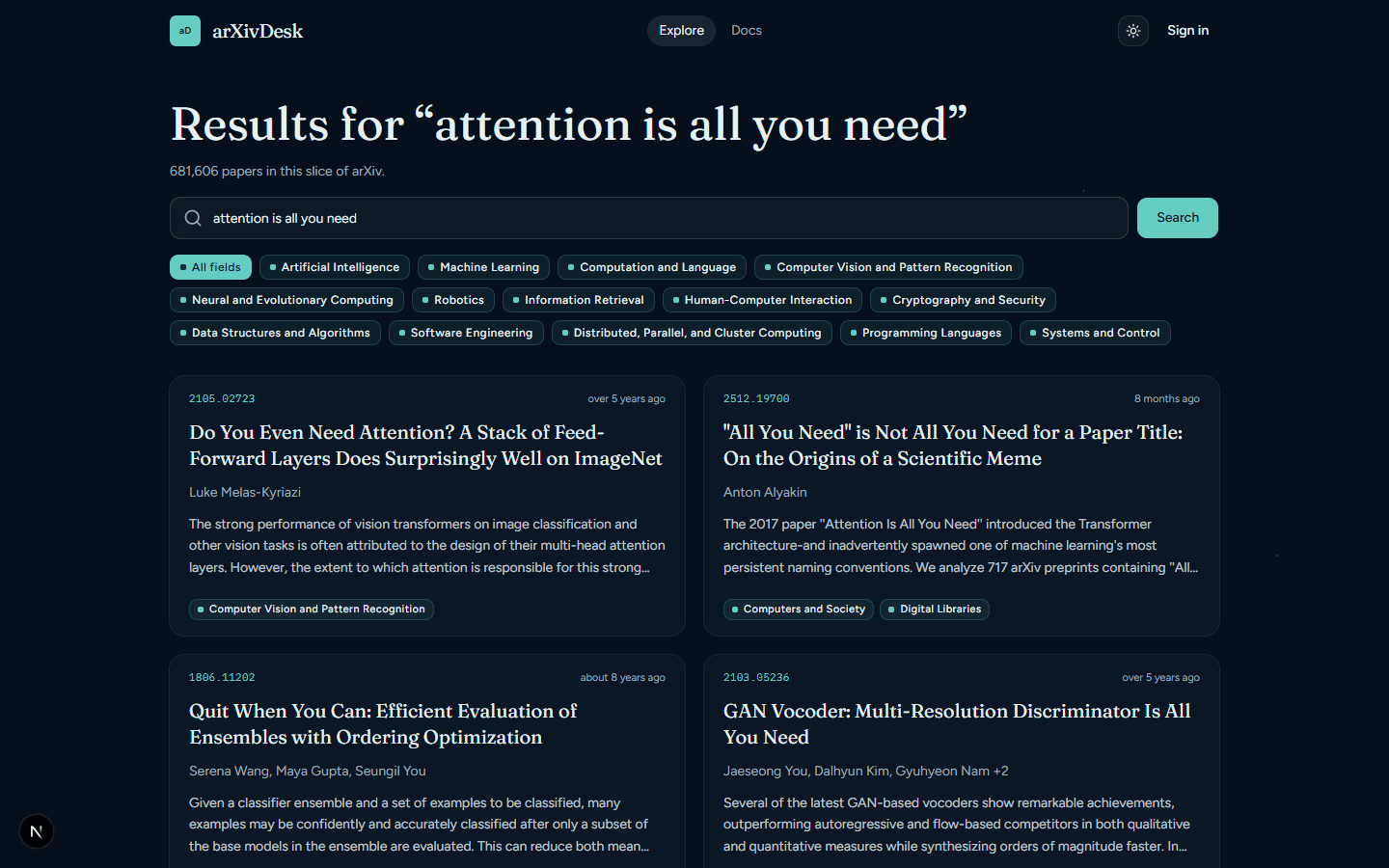
Type a title fragment, an author, a method, or a raw arXiv id. arXivDesk ranks by relevance when you search, and by submission date when you are just walking a category.
04Open a folio
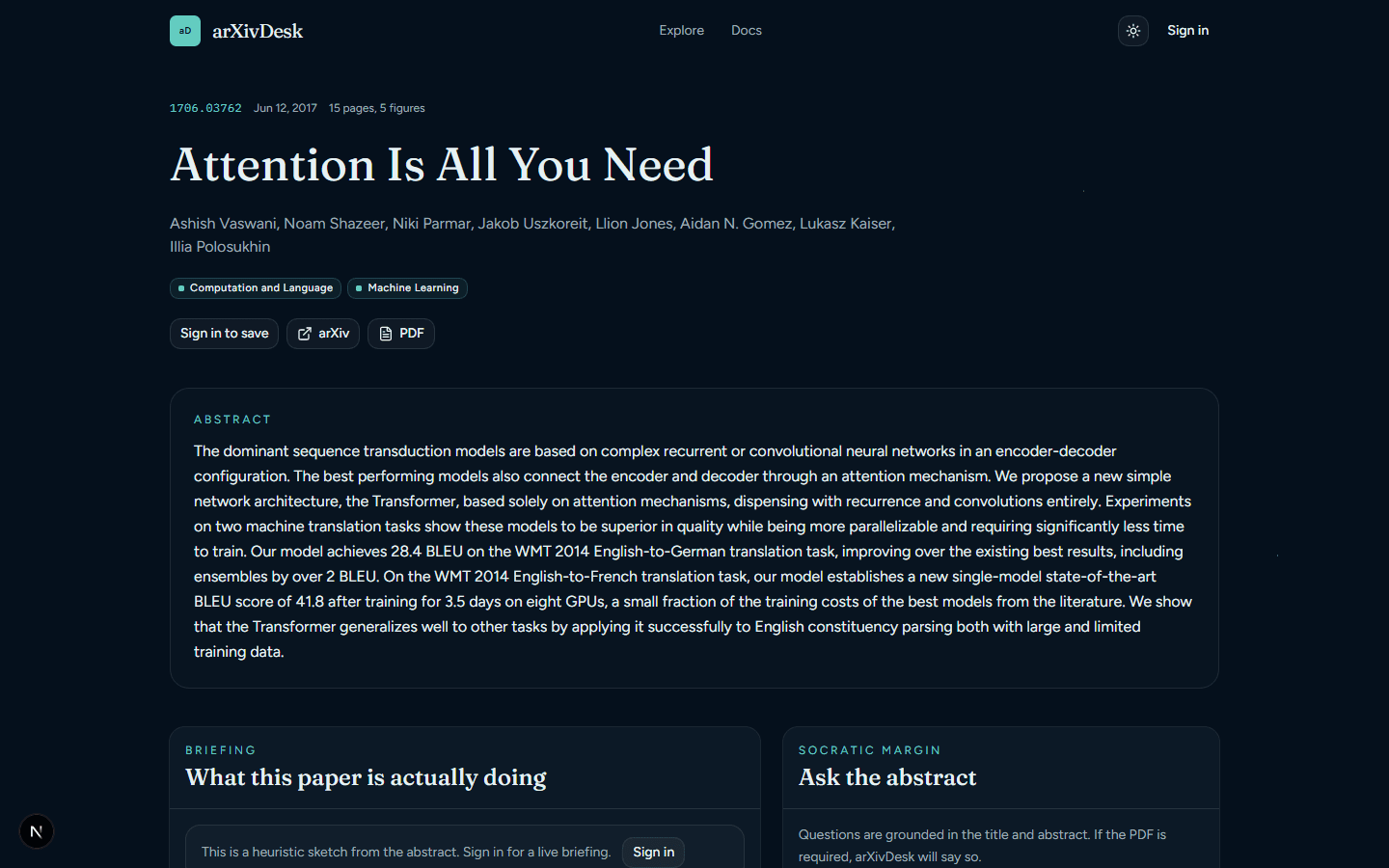
Every paper page is public — shared collections can link straight through. You get the abstract, a heuristic sketch of the claim, and neighbours in the stack. Saving, status, a live briefing, and “ask the abstract” wait for an account (and, for the AI, your own OpenRouter key).
05Your desk
Sign in and the rest of the room unlocks. Interests feed Today. Saves land in Library with a status (queue, reading, done, skipped). Named collections can be shared as a link; the papers themselves stay readable to anyone who has it.
Today
The drop
Newest preprints from the arXiv classes you follow, fifty at a time.
Library
The pile, tamed
Everything you saved, with a reading status so the stack has a shape.
Collections
Named shelves
Group papers for a project, a course, or a thread you want to hand someone.
Fields live under Interests— every arXiv subject class, not just CS. Tomorrow’s drop follows whatever you tick.
06Bring your own key
arXivDesk does not hold a model-provider key. Open your avatar → Integrations, paste an OpenRouter key, and analyses run on your account. The AI routes stay behind sign-in on purpose: an anonymous visitor cannot spend another reader’s credits.
What the key unlocks
- Live briefing — TL;DR, audience, claims, methods, limitations, why it matters.
- Ask the abstract — a chat grounded in the paper you have open. If the PDF is required, arXivDesk will say so.
- Heuristic fallback — without a key you still get a sketch from the abstract, never a blank page.